


Introduction
Home Assistant is an amazing open‑source platform to automate your home, but most people interact with it only through the official app or web UI. Flutter opens the door to building your own custom mobile experiences on top of Home Assistant’s API.
The home_assistant Dart package gives you a simple, high‑level API to talk to Home Assistant from any Dart or Flutter app. With it, you can connect to your instance, read configuration, fetch entities and their states, and call services to control lights, switches, climate devices, and more.
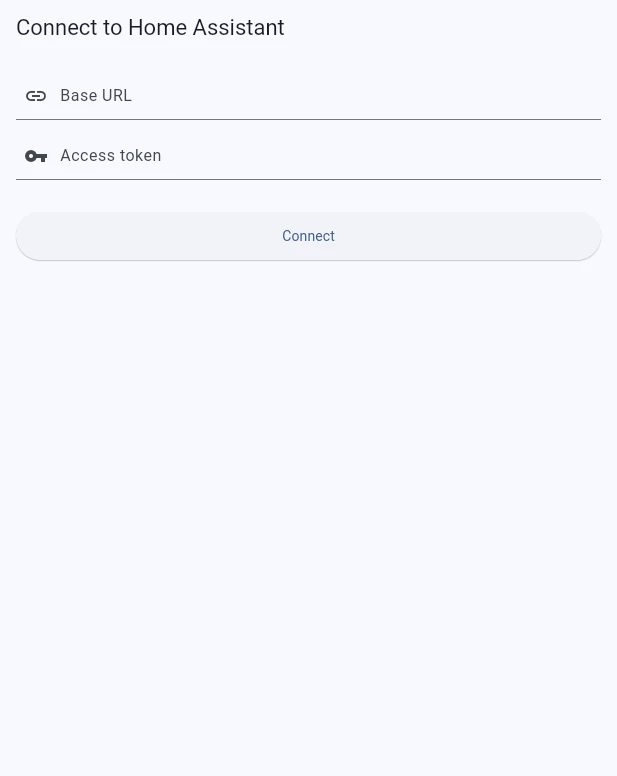
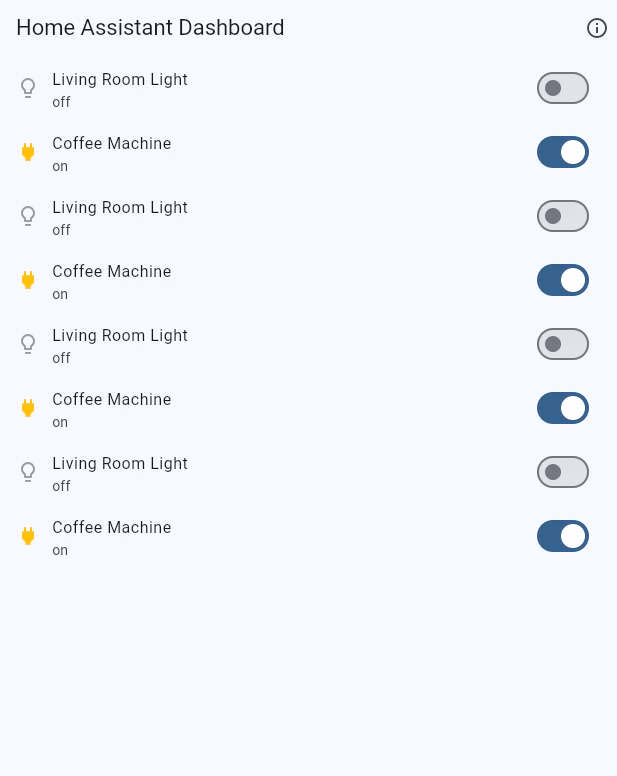
In this tutorial, you’ll build a small Flutter Home Assistant dashboard that:
- Connects to a Home Assistant instance using a base URL and token
- Verifies the API is working
- Fetches entities and inspects their state
- Calls services to turn lights and switches on and off
By the end, you’ll have a working Flutter Home Assistant client using the home_assistant package as your SDK.
Prerequisites
Before you start, you should have:
- A running Home Assistant instance that you can access over HTTP(S)
- A long‑lived access token from your Home Assistant profile
- Flutter installed and set up
- Basic familiarity with Dart and Flutter widgets
The package you’ll use is published on pub.dev as home_assistant.
Step 1: Create a new Flutter project
Create a new Flutter project for the dashboard: